
Download SetVSel APK – Motorola Defy CPU Overclocking, Battery Saver, Root Utility
Overview
SetVSel is a specialized utility tool developed by inteks, exclusively designed for Motorola Defy smartphones. The software enables users to manage and optimize CPU scaling on their devices, offering the ability to overclock, undervolt, and adjust performance profiles dynamically. Its primary purpose is to enhance battery efficiency and improve device responsiveness by allowing fine-tuned control over the processor’s frequency and voltage settings. This tool is particularly suited for users seeking advanced performance tuning on low-end Android smartphones, especially those with rooted access.
The application targets tech-savvy users and mobile enthusiasts who want to maximize the potential of their Motorola Defy. It is not compatible with other mobile devices, as it is built specifically for the hardware and kernel configurations of the Motorola Defy. Real-world usage includes optimizing battery life during idle periods by reducing CPU frequency when the screen is off, boosting performance during calls or demanding tasks, and testing system stability after adjustments. The developer did not provide additional details about the company or broader product ecosystem.
Key Features & Capabilities
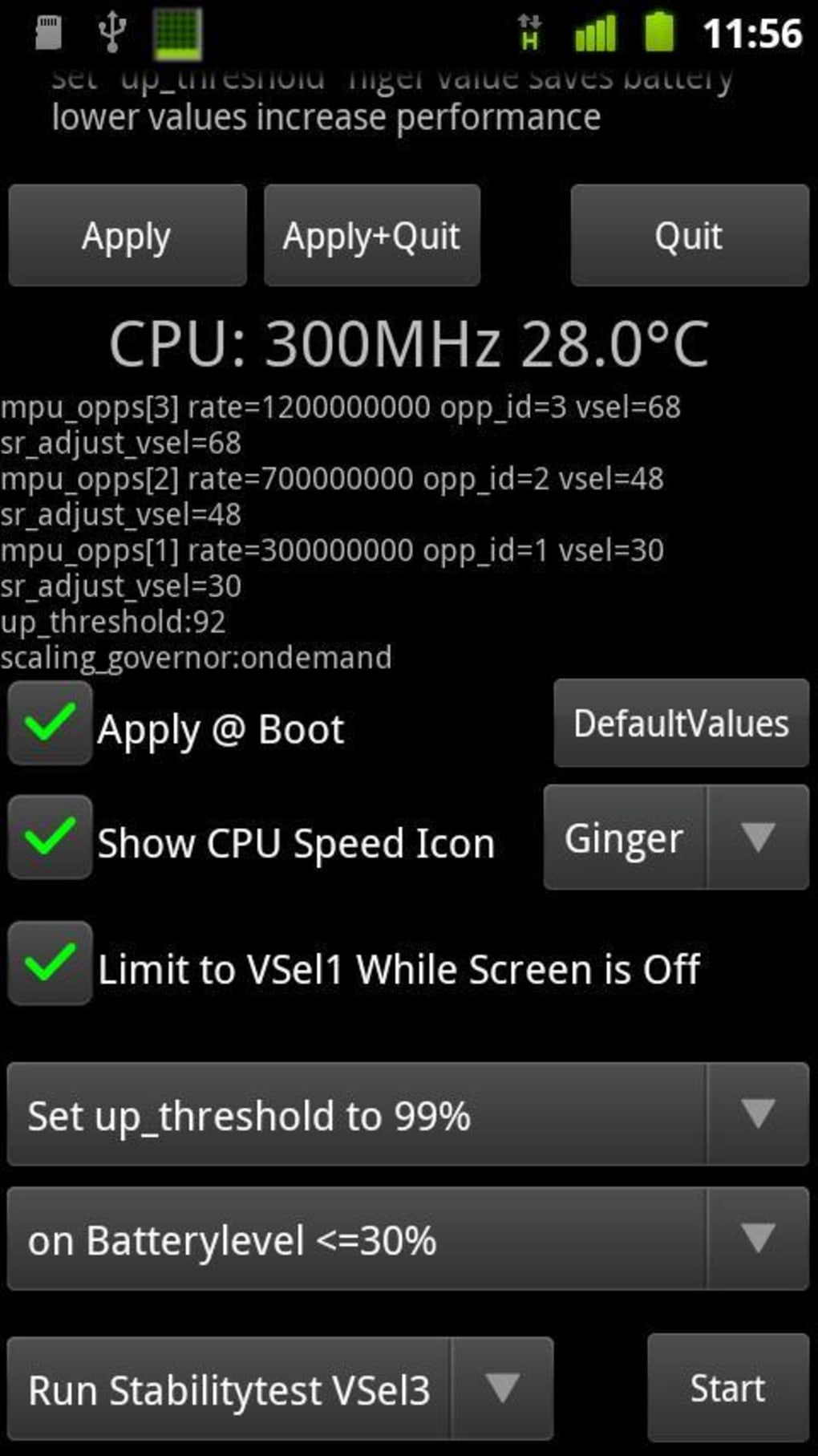
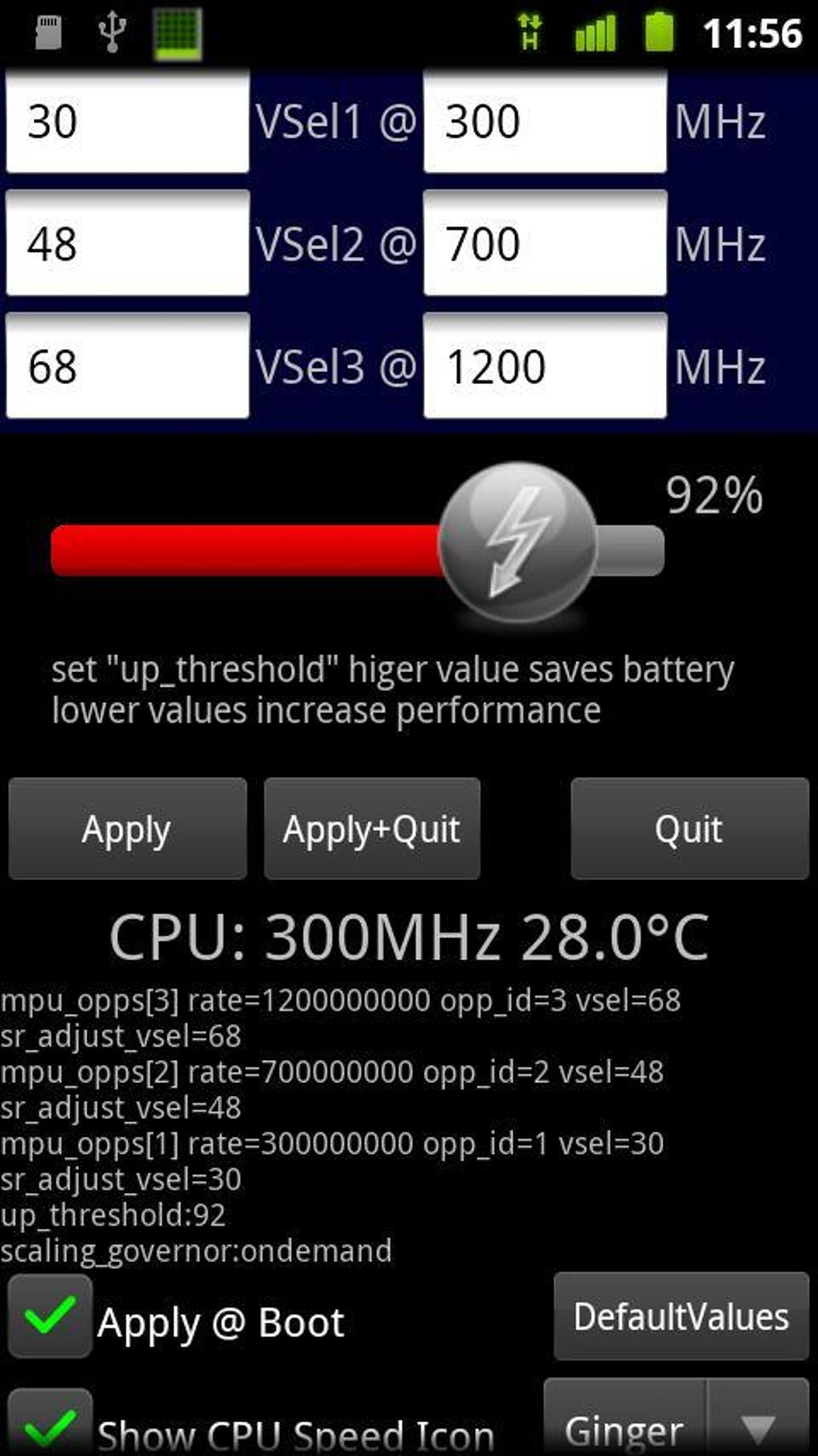
- CPU Scaling Control – Allows users to manually adjust CPU frequency and voltage levels, enabling performance optimization based on usage patterns.
- Overclocking & Undervolting – Provides the option to increase CPU speed beyond default limits or reduce voltage to lower power consumption.
- Battery Life Optimization – Users can configure scaling profiles to minimize power draw when the screen is off or when the device is idle.
- Dynamic Scaling Profiles – Supports setting different performance levels such as “Minimum,” “Medium,” and “Maximum” based on current needs.
- Scaling Mode Selection – Offers options like Vsel OnDemand and Performance mode to tailor the CPU behavior to user preferences.
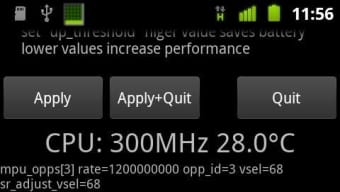
- Stability Testing – Includes a built-in test to evaluate system stability after making configuration changes, crucial for ensuring device reliability.
These features allow users to customize their device’s performance and power usage. For example, a user can set the CPU to minimum when the screen is off to extend battery life, or switch to maximum during a phone call for smoother audio processing. The tool is especially effective for low-end smartphones where performance bottlenecks are common. However, some functions require root access, while others may operate on non-rooted devices, depending on system-level permissions.
User Interface, Workflow & Performance
The user interface of SetVSel appears to be designed with functionality over aesthetics, focusing on providing direct access to CPU tuning parameters. Navigation is likely structured around configuration menus for scaling, voltage, and testing. Users can expect a straightforward workflow: select a scaling profile, apply changes, and run stability tests if needed.
Workflow efficiency depends heavily on the user’s familiarity with Android system tuning. The application may require multiple steps to configure optimal settings, especially for those new to performance customization. Performance behavior is influenced by the device’s hardware and whether the system is rooted.
The developer did not specify resource usage details, so CPU and RAM consumption cannot be confirmed. Stability is contingent on proper configuration and the device’s hardware capabilities. General software behavior suggests that well-configured settings may improve responsiveness and reduce battery drain, though improper adjustments could lead to instability.
Compatibility & System Requirements
SetVSel is exclusively compatible with Motorola Defy devices. It is designed to work with the specific hardware and kernel of this smartphone model. The application is distributed as an APK file, meaning it requires manual installation on Android devices. The installation size is not specified in the provided information. The developer did not list exact system requirements, nor did they detail minimum hardware specifications such as RAM or processor type.
Compatibility information is limited to the Motorola Defy. Users of other Android devices will not be able to use this tool. Root access is required for certain features, including stability testing and advanced tuning. Non-rooted devices may still access basic scaling functions, but with limited control. The developer did not provide details on supported Android versions or API levels.
Pros and Cons
Pros
- Exclusive optimization for Motorola Defy devices
- Advanced CPU scaling and tuning capabilities
- Supports overclocking and undervolting for performance and battery gains
- Includes stability testing for safe configuration
- Free to use as a utility tool
Cons
- Only works on Motorola Defy — no cross-device compatibility
- Some features require root access, limiting usability
- No official documentation or support provided
- Performance and stability depend heavily on user configuration
- Not suitable for beginners due to technical complexity
FAQ Section
Is SetVSel compatible with devices other than Motorola Defy?
No, SetVSel is exclusively developed for Motorola Defy smartphones and will not function on other mobile devices.
Do I need root access to use SetVSel?
Root access is required for advanced features such as stability testing and full CPU tuning. Some basic scaling functions may work on non-rooted devices, but functionality is limited.
Is SetVSel safe to use?
Use of SetVSel carries inherent risks, especially when overclocking or undervolting. Improper settings may cause system instability or hardware damage. Users should proceed with caution and back up data before making changes.
Can I update SetVSel automatically?
As an APK file, SetVSel does not support automatic updates. Users must manually download and install new versions from trusted sources.
Is SetVSel free to download and use?
Yes, SetVSel is provided as a free utility tool without a paid version or in-app purchases.
Final Thoughts + CTA
SetVSel offers a powerful, specialized solution for users of Motorola Defy smartphones who want to fine-tune their device’s CPU performance and battery efficiency. While its functionality is limited to a single device model and requires technical knowledge, it delivers tangible benefits for those willing to invest time in configuration. The ability to overclock, undervolt, and test system stability makes it a valuable tool for mobile enthusiasts and power users. However, the lack of broader compatibility and the need for root access may deter casual users. For those with a Motorola Defy and a desire to push their device’s limits, SetVSel is a compelling option.
Download SetVSel APK now to unlock advanced CPU control and optimize your Motorola Defy’s performance and battery life.





.png)

